
Files and editors
Documents, sheets, slides, CAD and 3D in one place
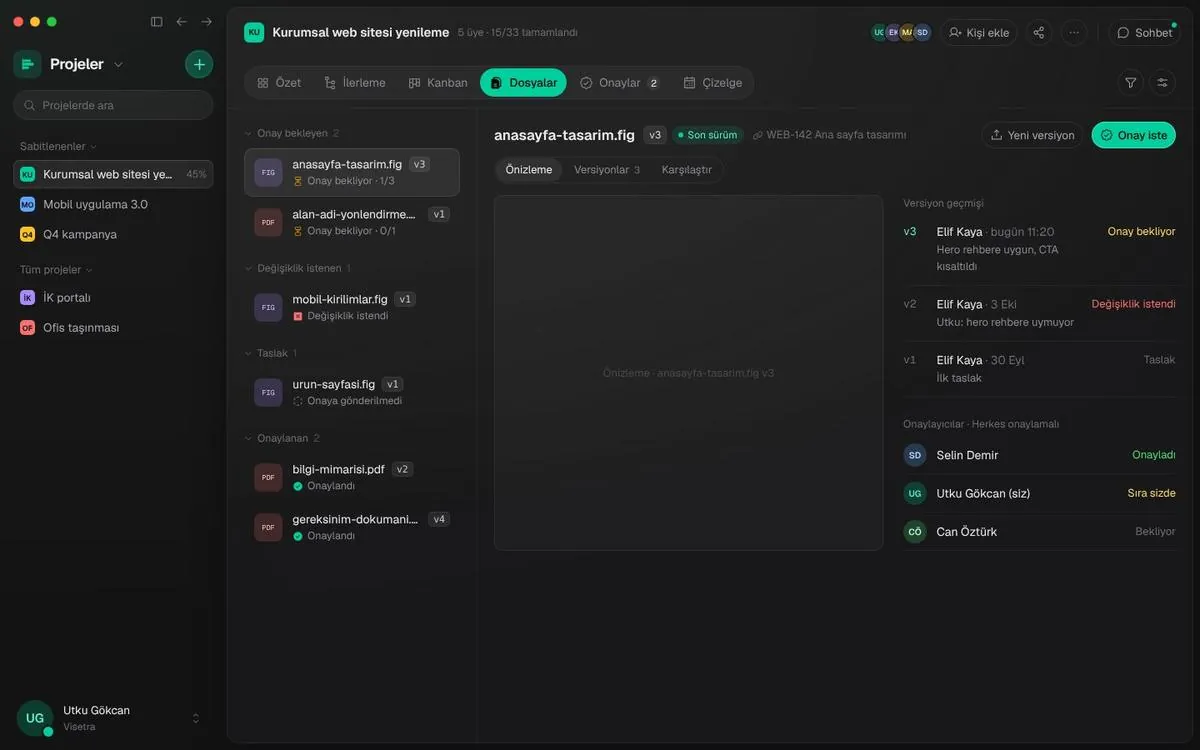
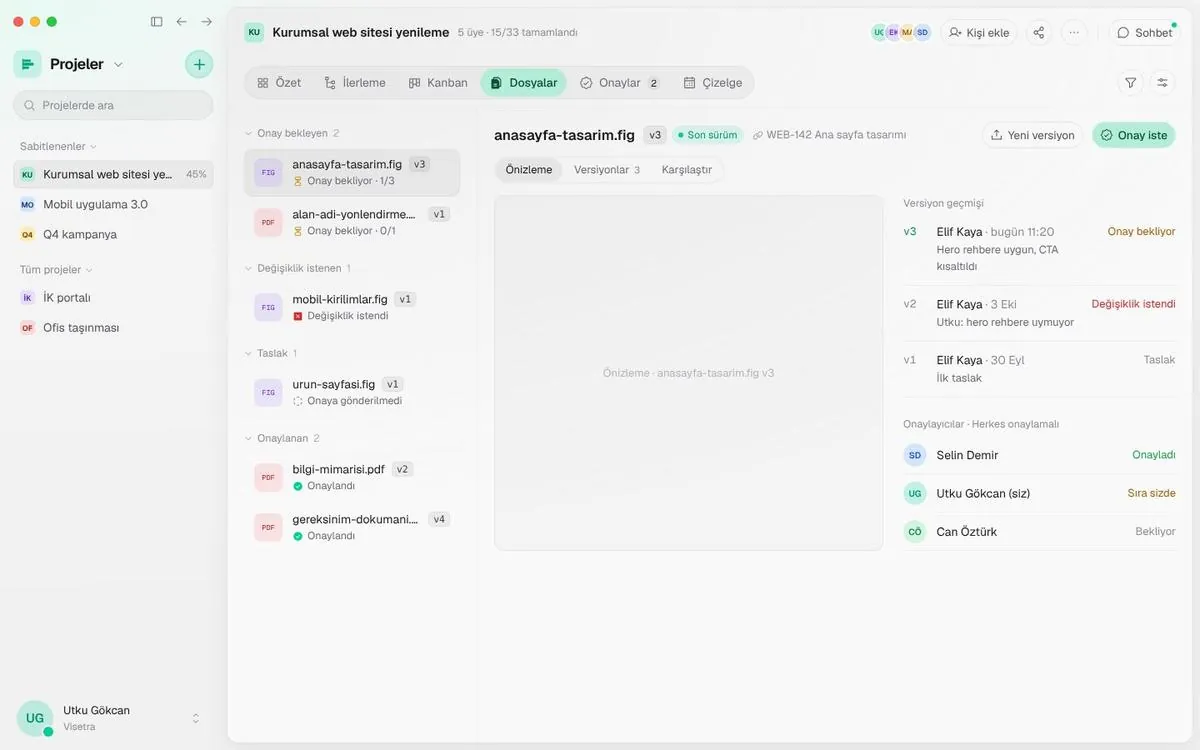
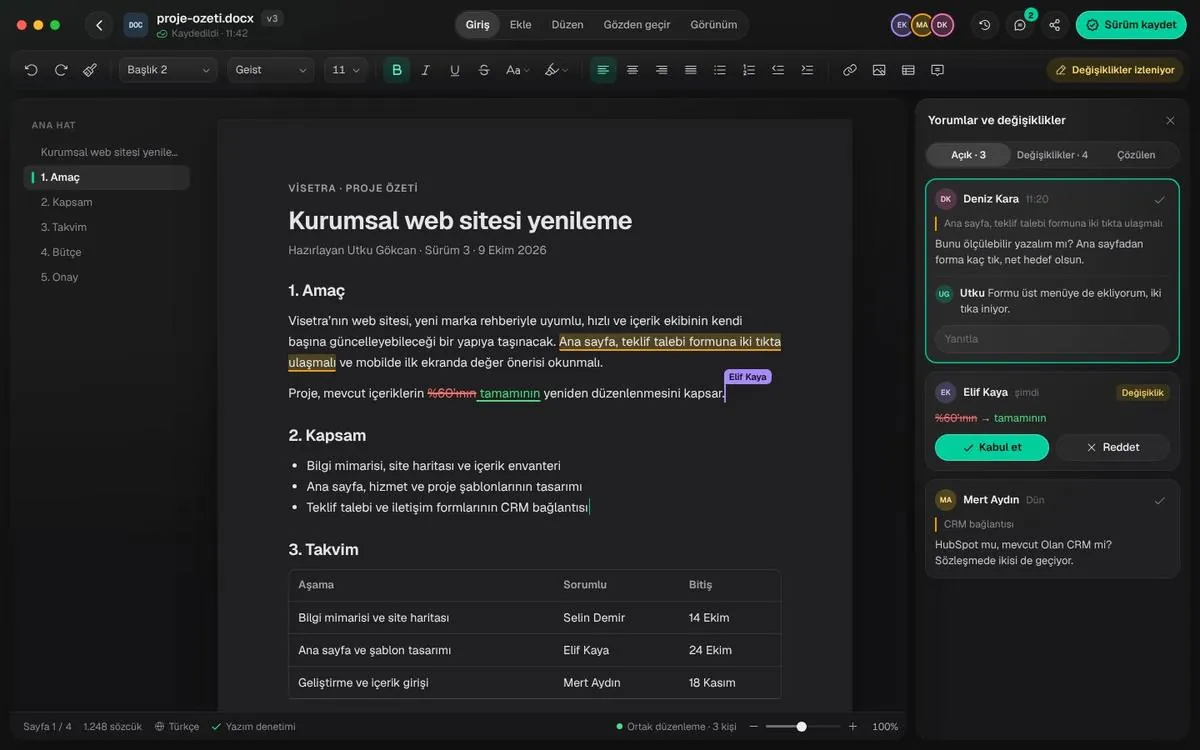
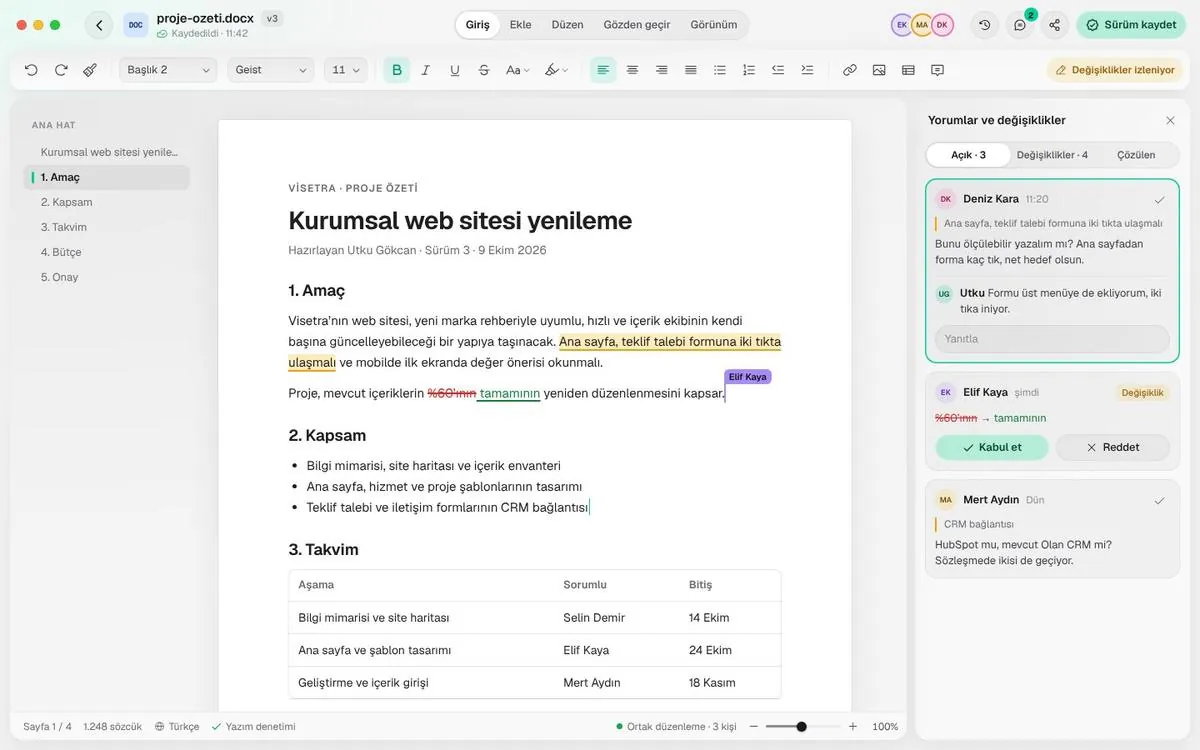
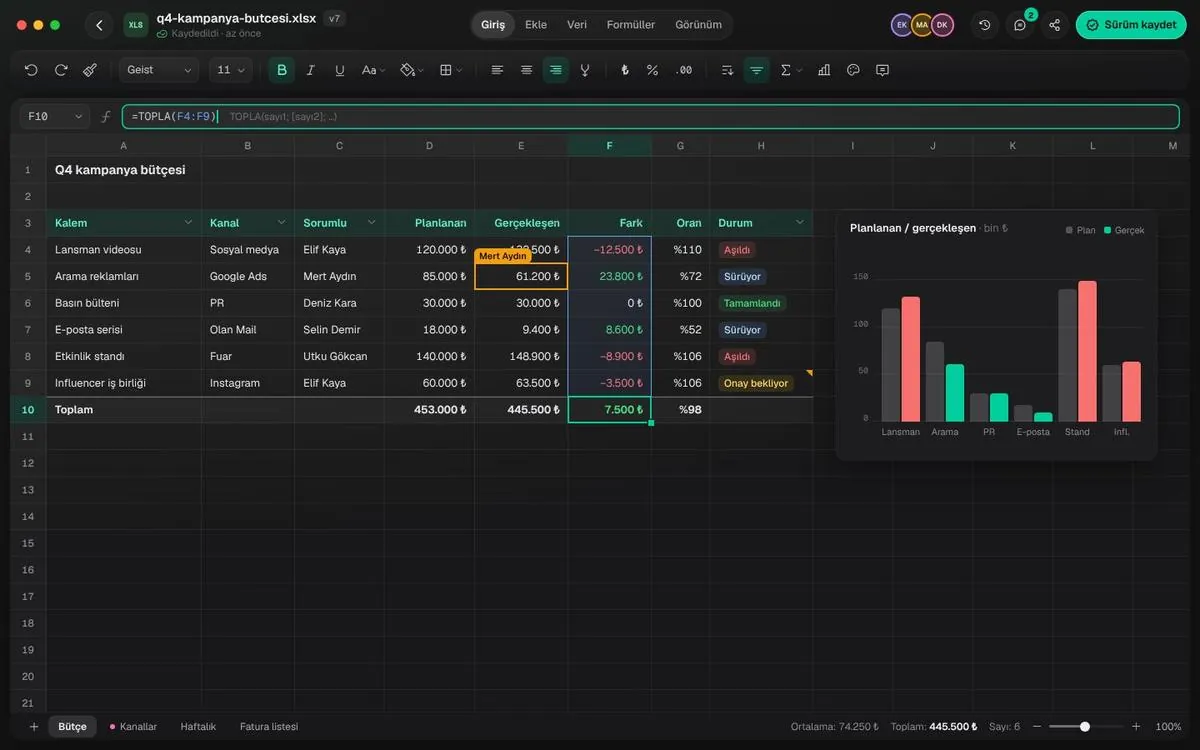
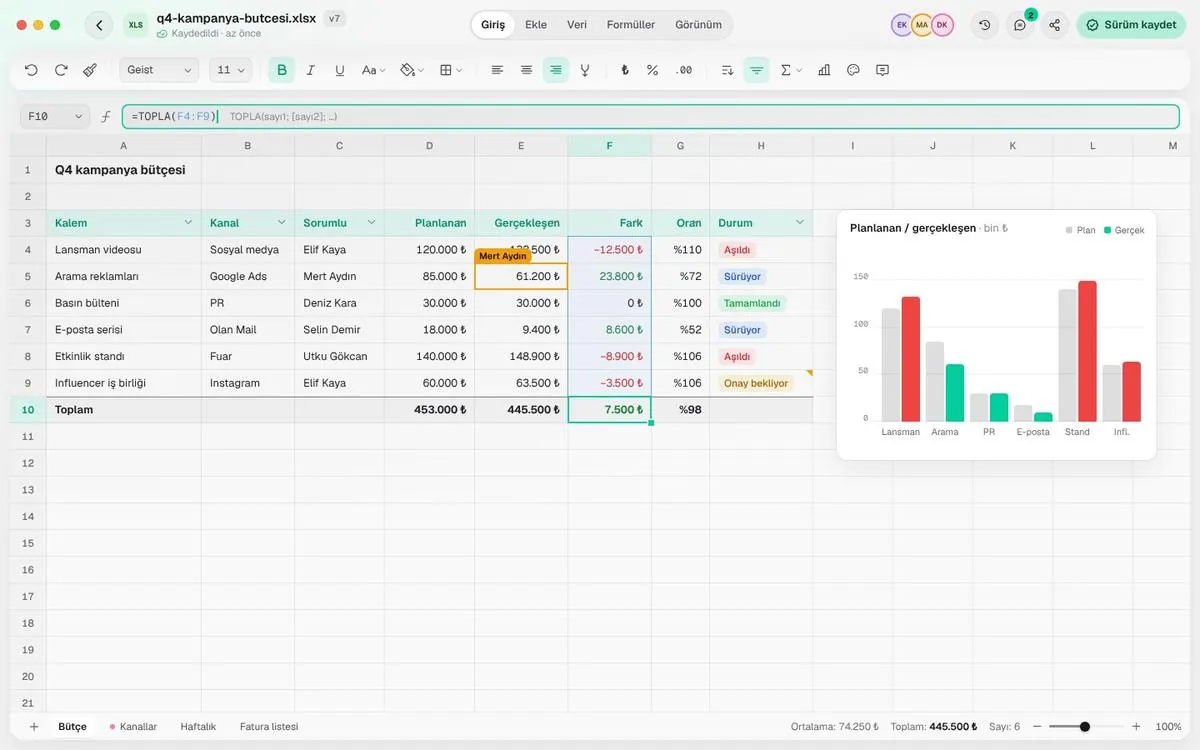
Files live in project folders with their versions. When you open one, it is edited inside the app with Olan’s own interface.
Five editors, one shell
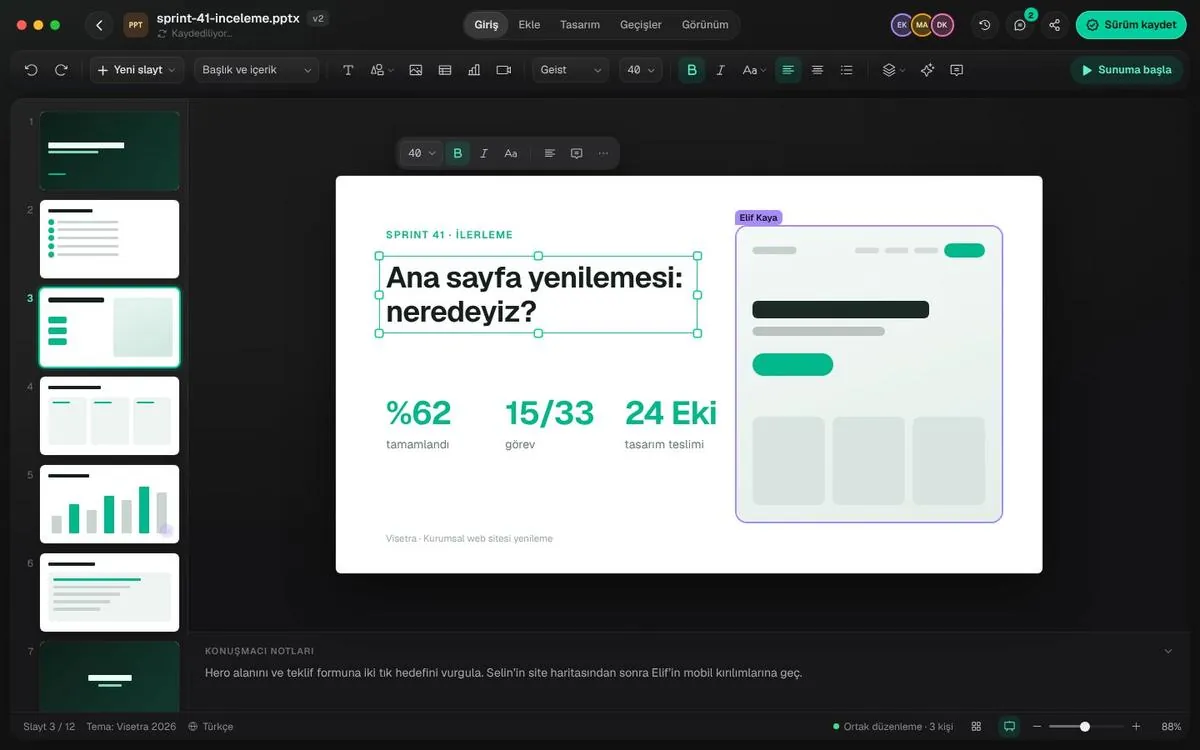
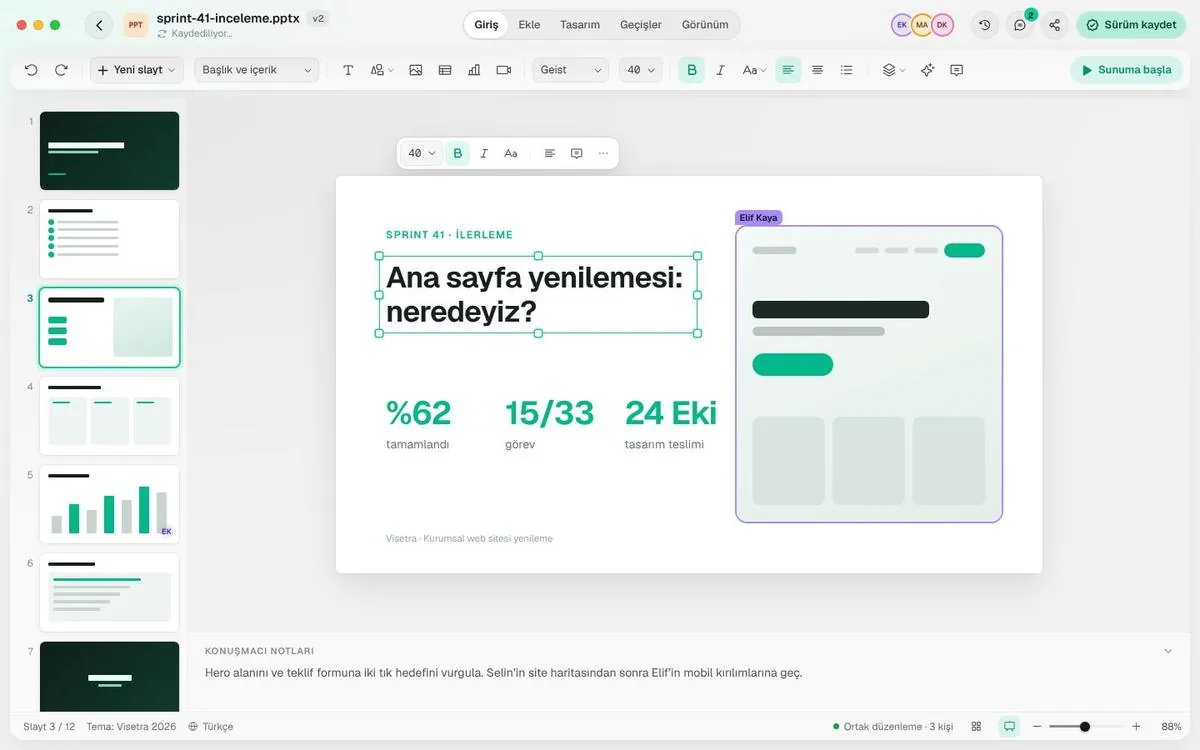
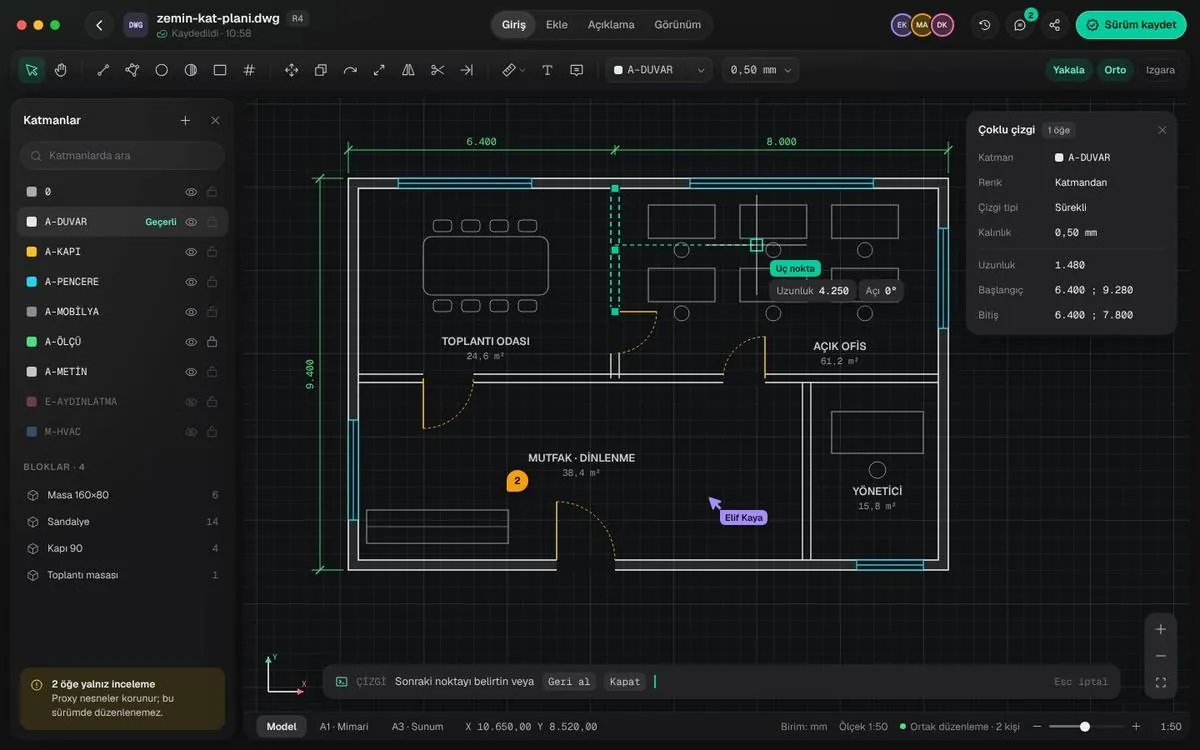
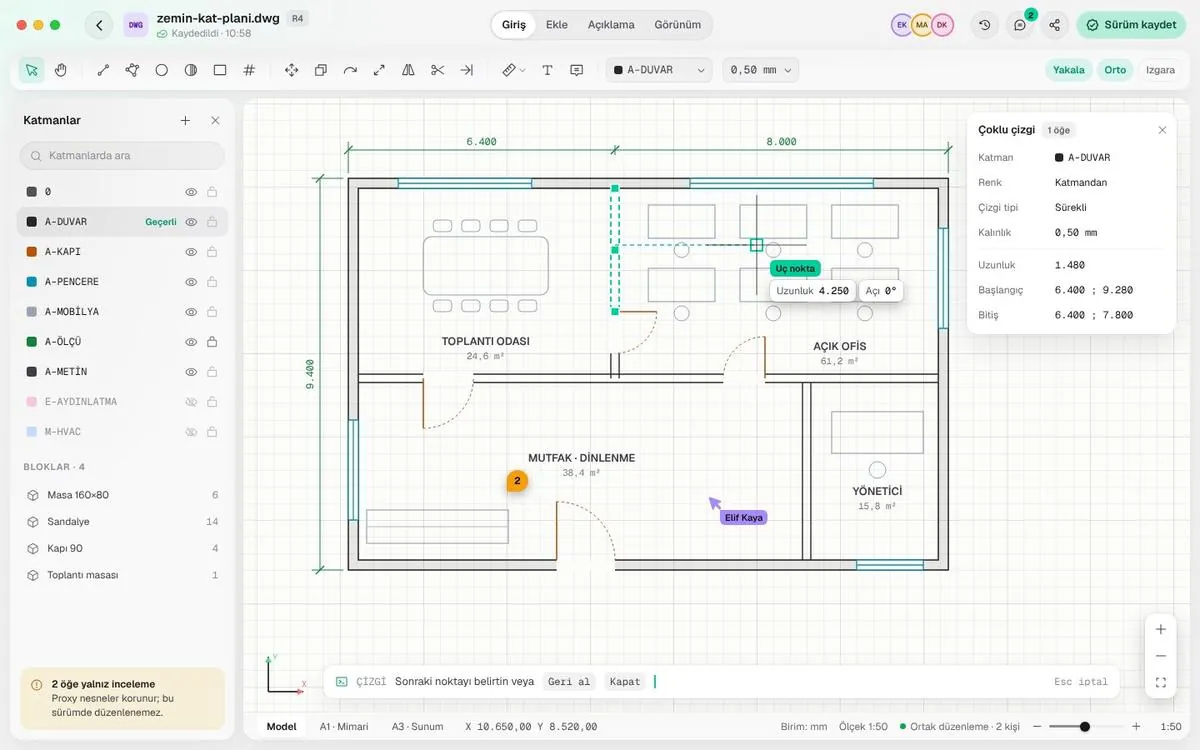
File, version and save status at the top; tabs in the middle; who is working and “Save version” on the right. The same in every editor.
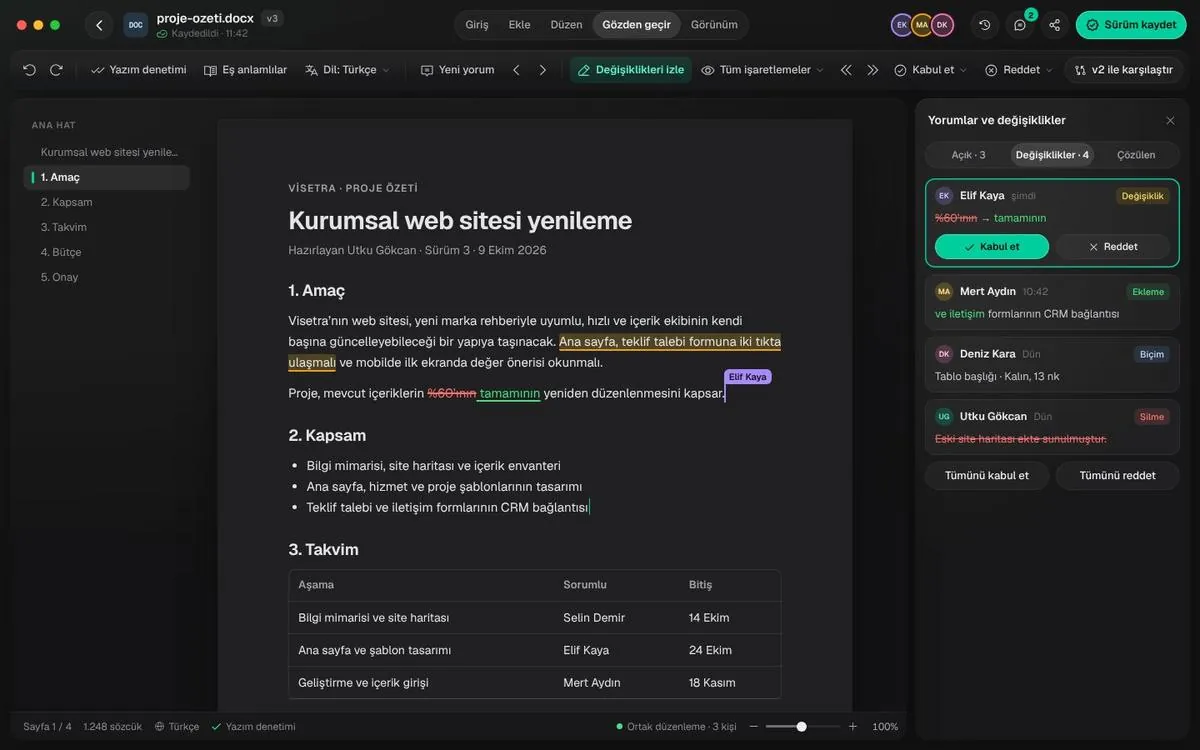
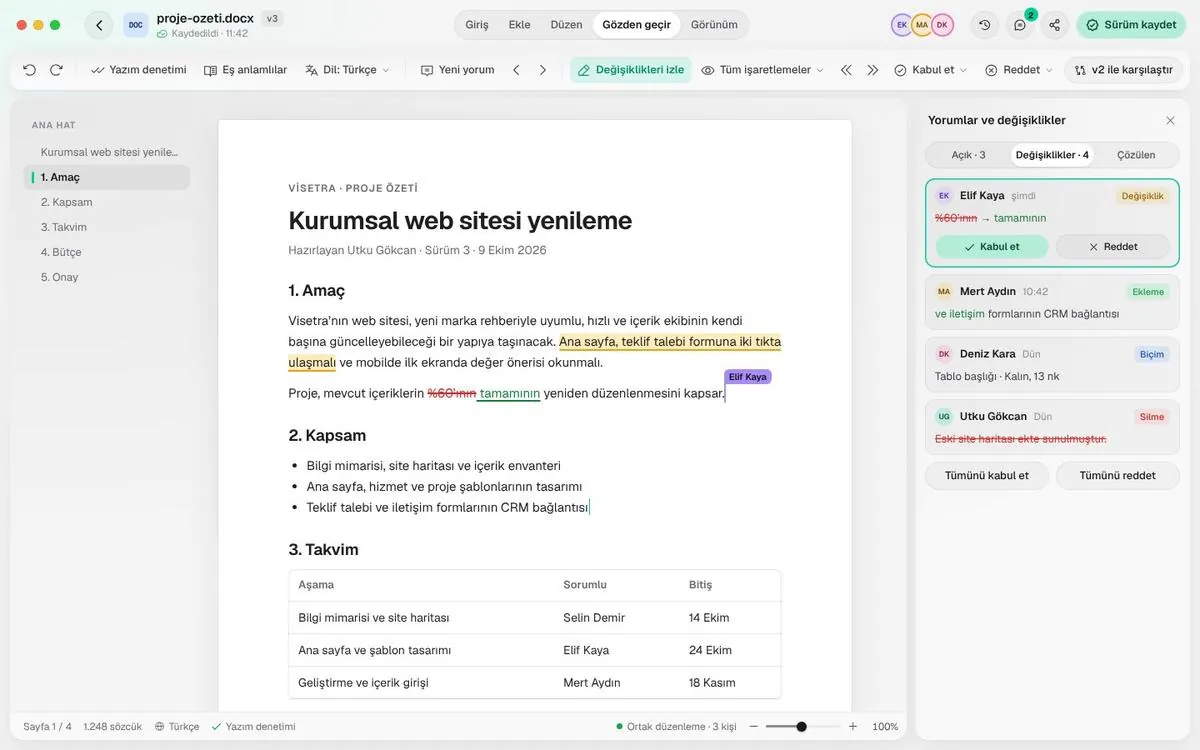
DOCX and ODT. Track changes, comments, co-editing.
XLSX, ODS and CSV. Formulas, filters, charts.
PPTX and ODP. Themes, transitions, presenter view.
DWG and DXF. Layers, dimensions, revision clouds.
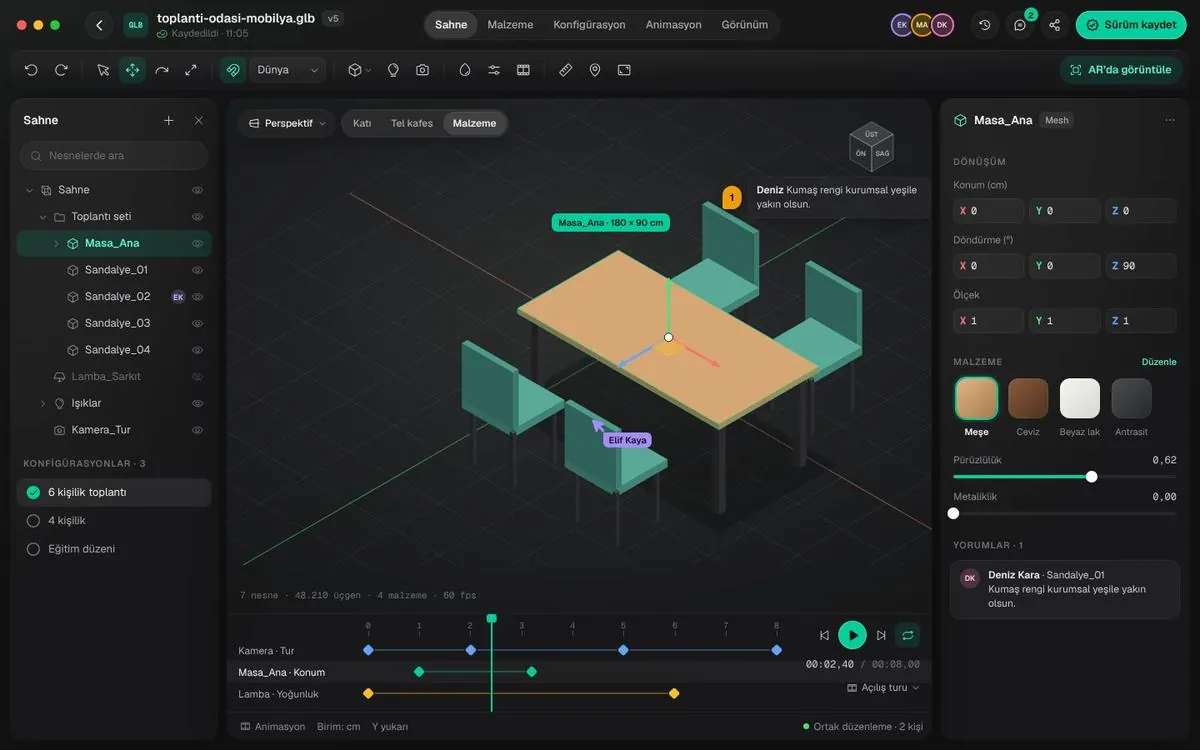
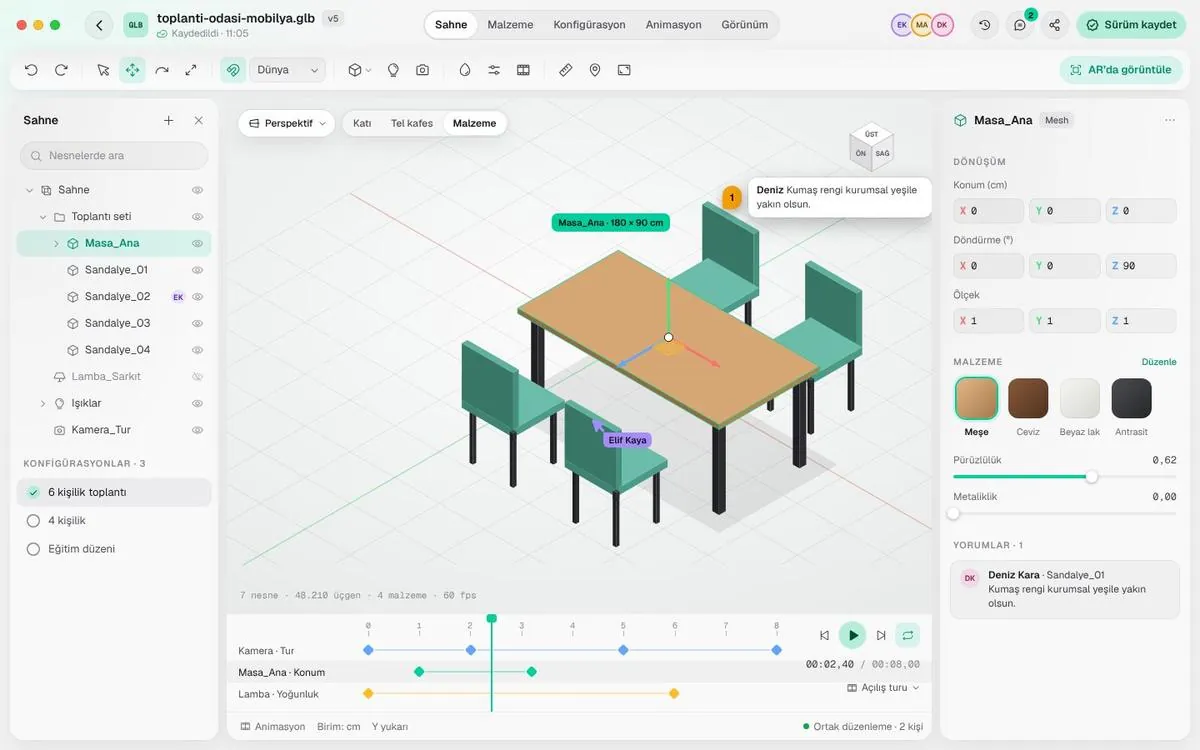
GLB. Materials, configurations, animation, AR.
Review
See who changed what
Insertions, deletions and formatting changes are marked in each person’s color. Accept or reject; decisions are kept with the version.
- Everyone editing has a visible cursor
- Compare with the previous version
Project files
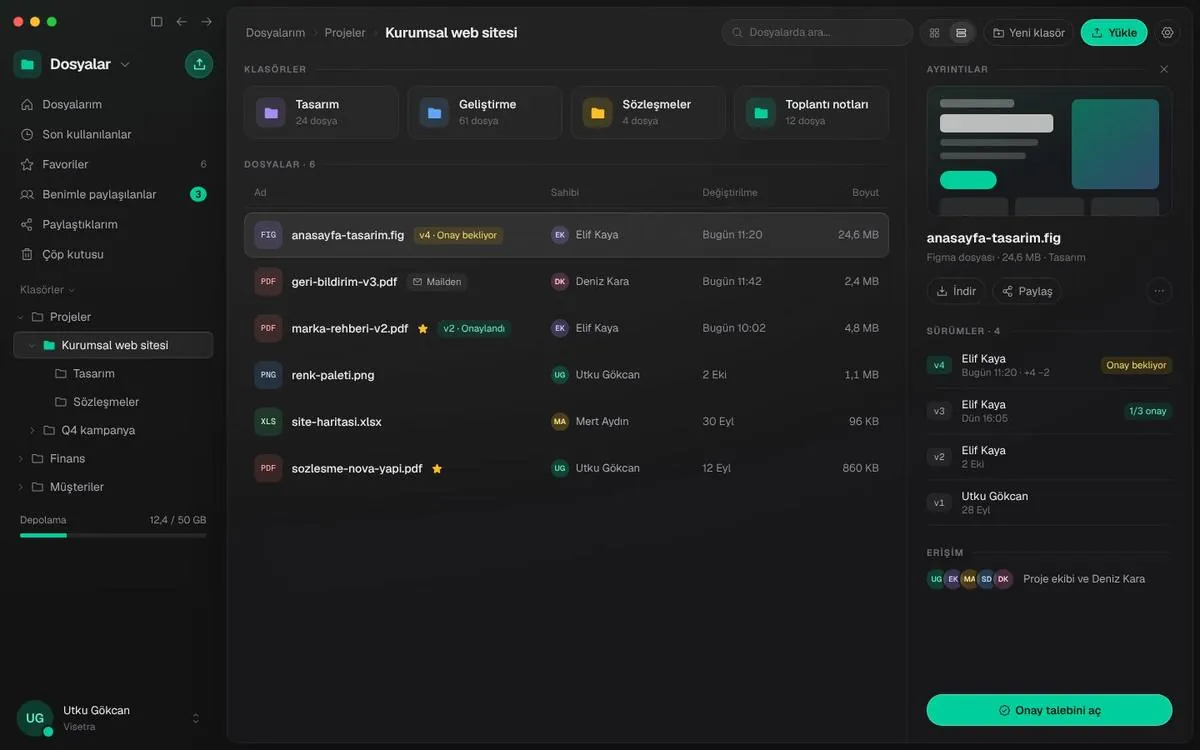
The latest version is always clear
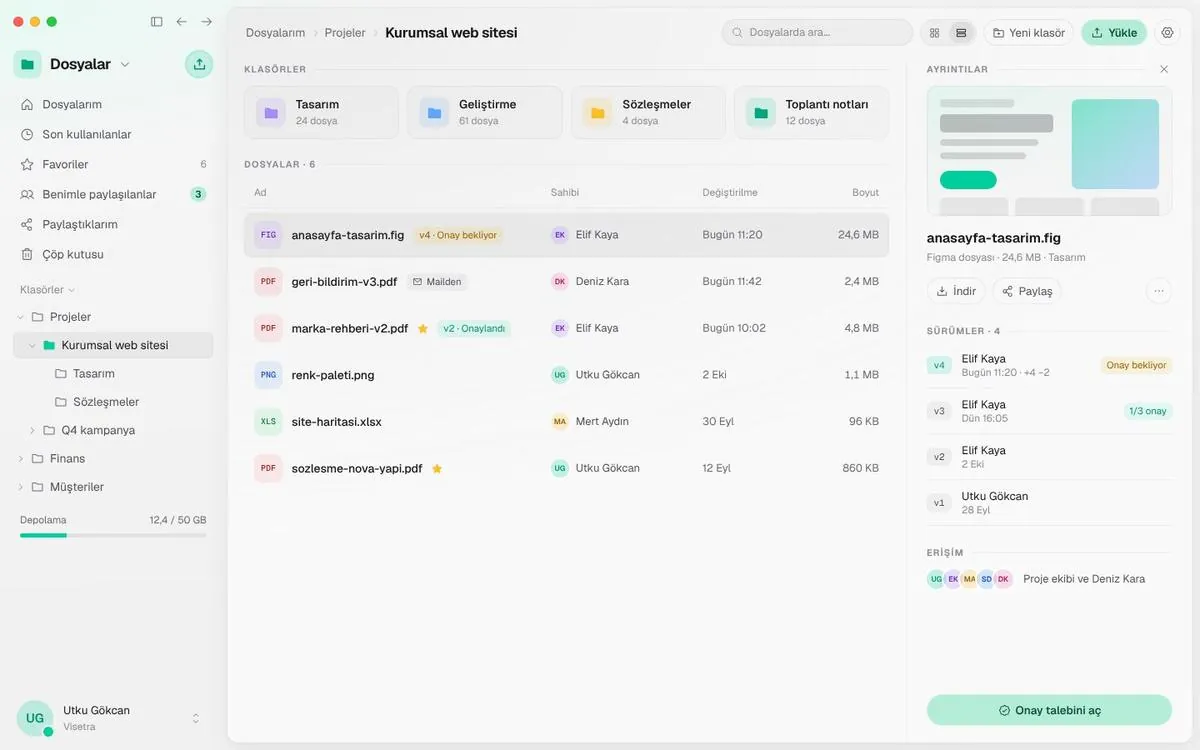
Every file has a version list, approval status and access. Attachments from mail or chat land in the right folder.
- Uploads are scanned for viruses
- Deleted files stay in the bin for 30 days