

Safe defaults for company accounts
Identity, permissions and file security are set up from the start. Below is how the product behaves today; write to us for contract and data-processing details.
Single sign-on (SSO)
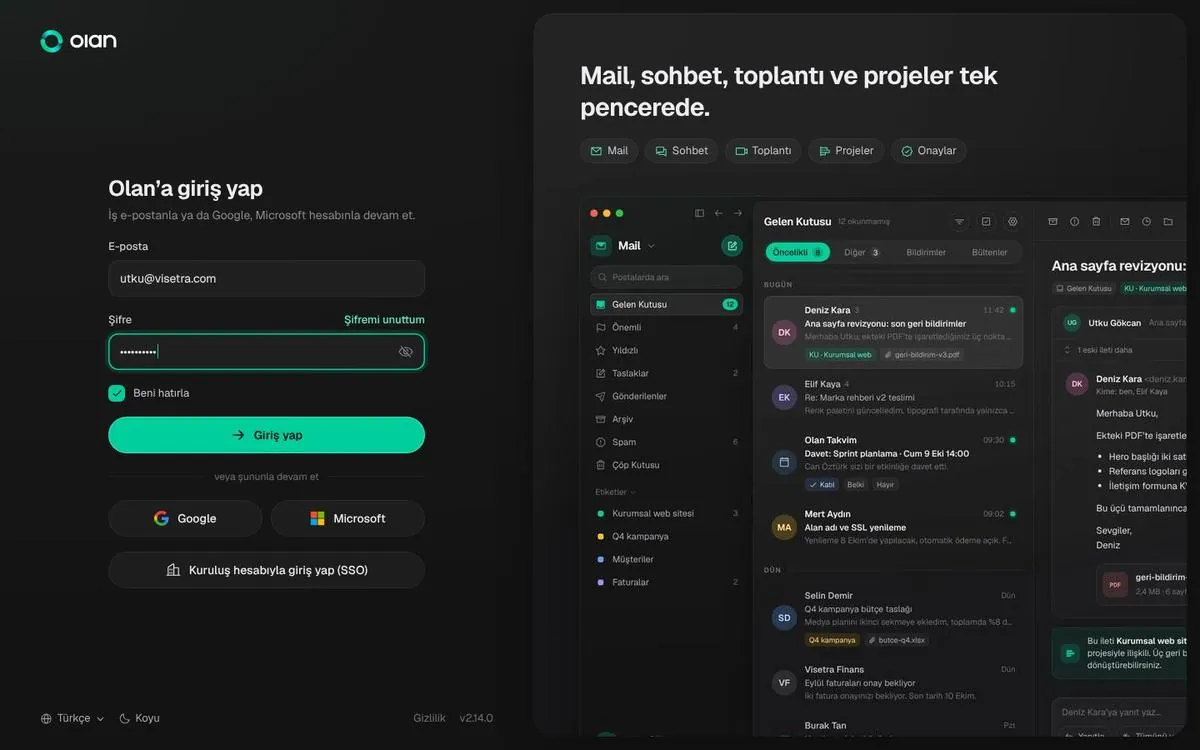
Microsoft Entra ID and Okta are supported. Users type their email; if the domain uses company sign-in they go straight to it.
Two-step verification
A 6-digit code from an authenticator app, asked only on accounts that turned it on. Backup codes and a 30-day trusted device option.
Permissions
Access at project, folder and file level. Guests see only the projects they were invited to; owning a project never grants access to another company’s private space.
File scanning
Every upload is scanned for viruses. Document editors run in separate processes and hold no user permissions.
Audit and version history
Versions, approval decisions and change requests are kept with who made them. Deleted files stay in the bin for 30 days.
Open standards
Mail runs on JMAP and IMAP/SMTP; calendar and contacts use standard formats. You can export your data.
Email first, then the right method
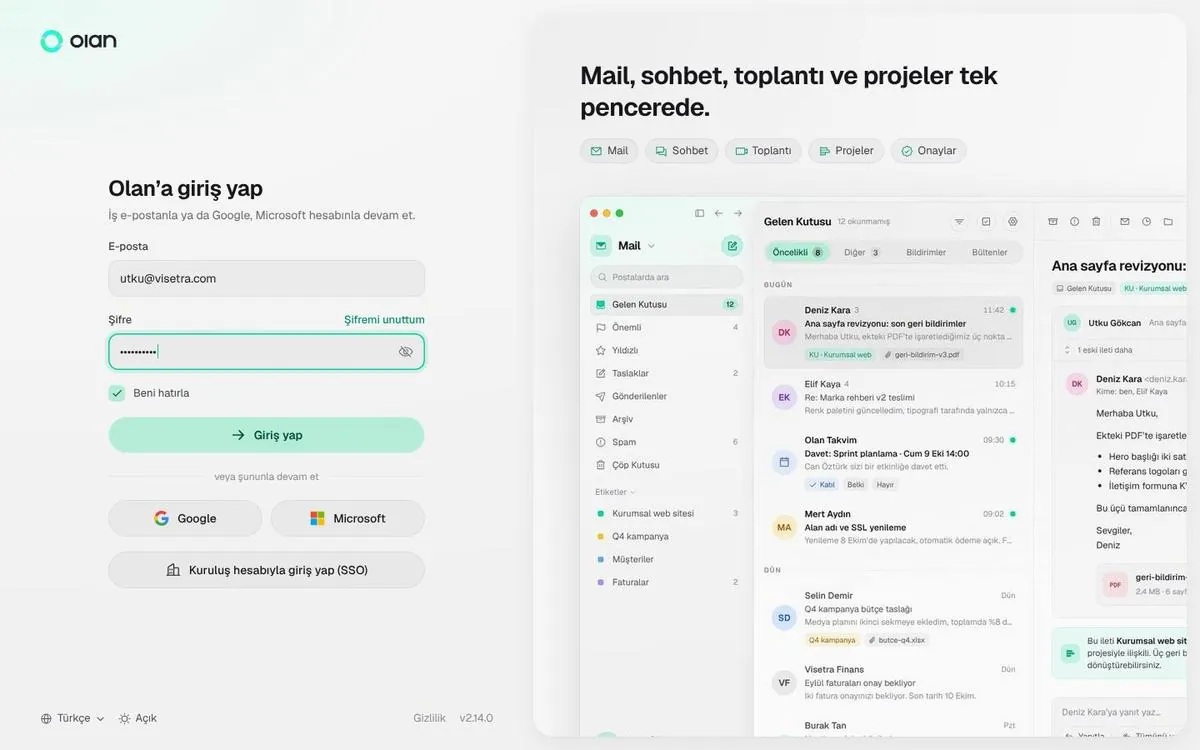
The sign-in screen asks for your email first. If your company uses SSO you go there, otherwise to your password. The verification code is a separate step and appears only when needed.
Privacy
The mail, messages and files you put in Olan belong to you and your company. They are not used for advertising or sold to third parties.
For the privacy notice and a draft data processing agreement, contact us from the contact page.