
Meetings
Meetings start inside the project
Start a video meeting in one click from the calendar, a chat or a project card. Screen sharing, recording and meeting chat in the same window.
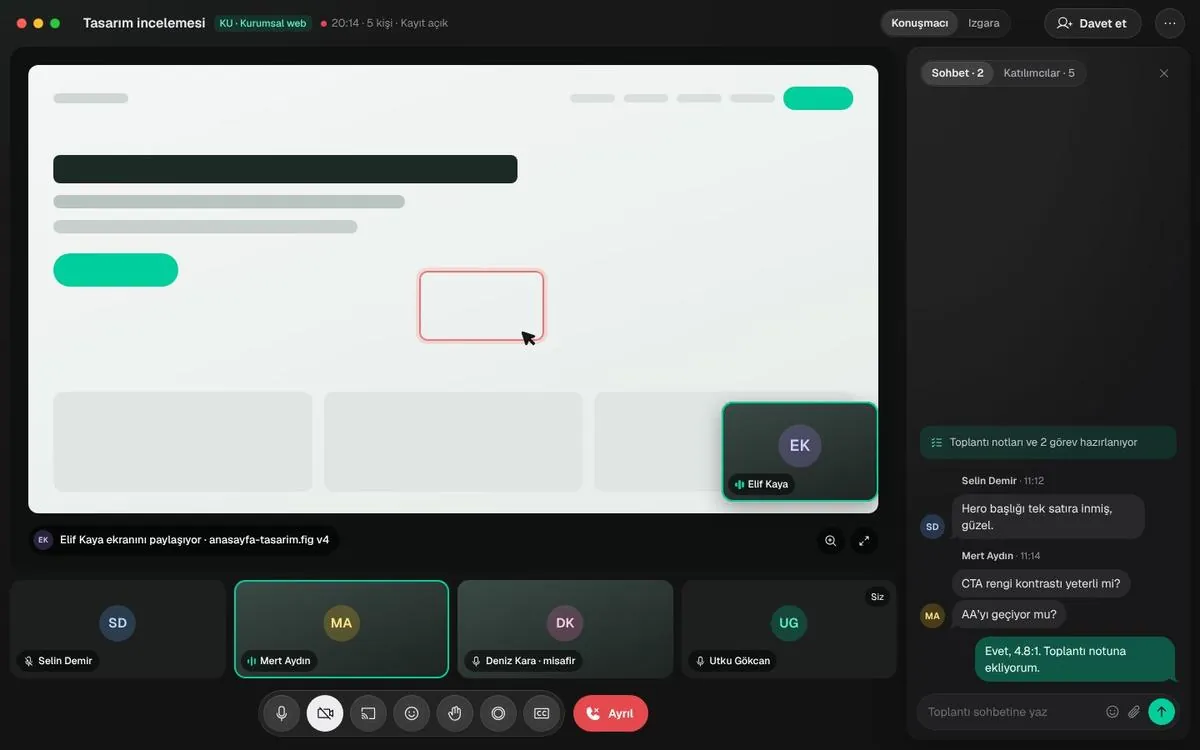
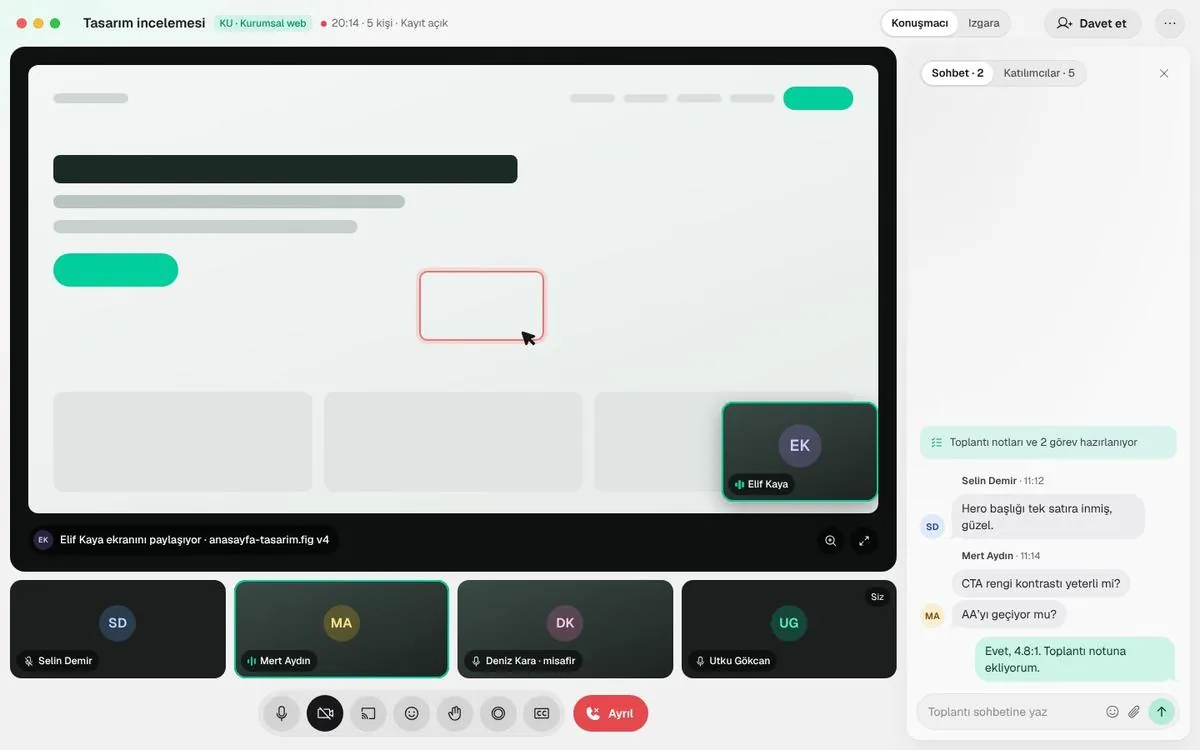
Screen sharing
Everyone looks at the same screen
Speaker view or grid. Annotate on top of the shared screen; meeting chat sits in a side panel.
- Recordings are added to the project afterwards
- Guests join with a link
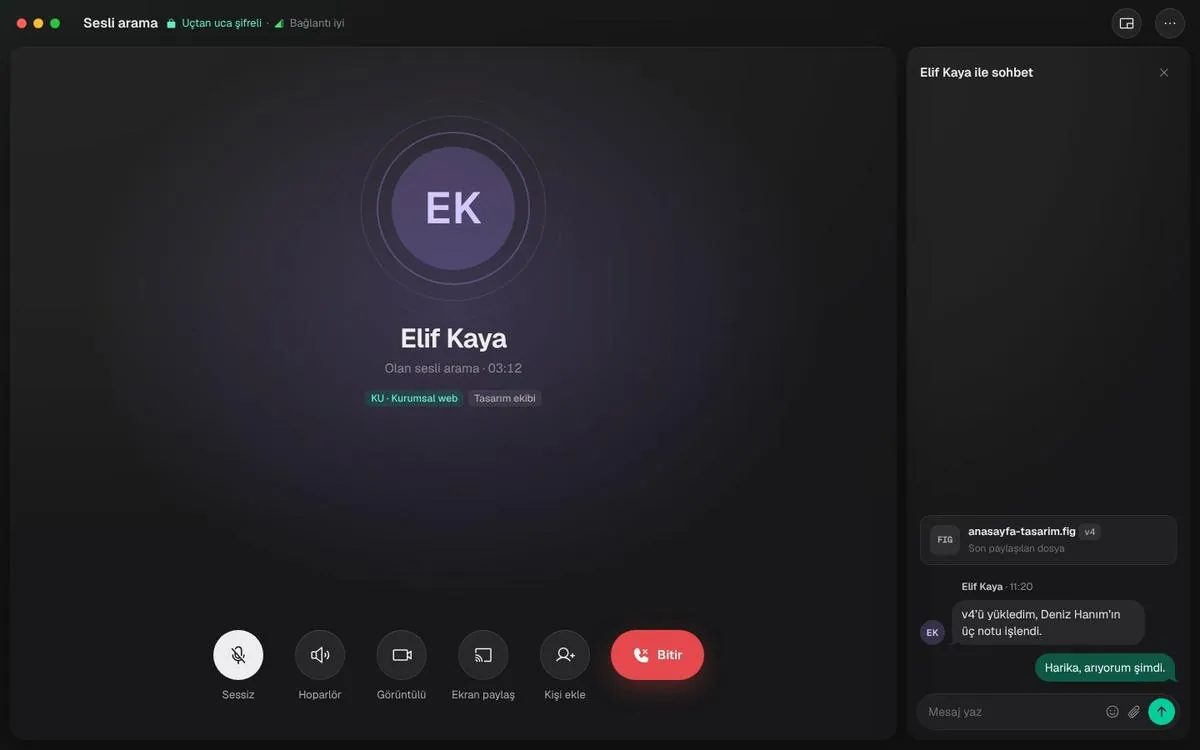
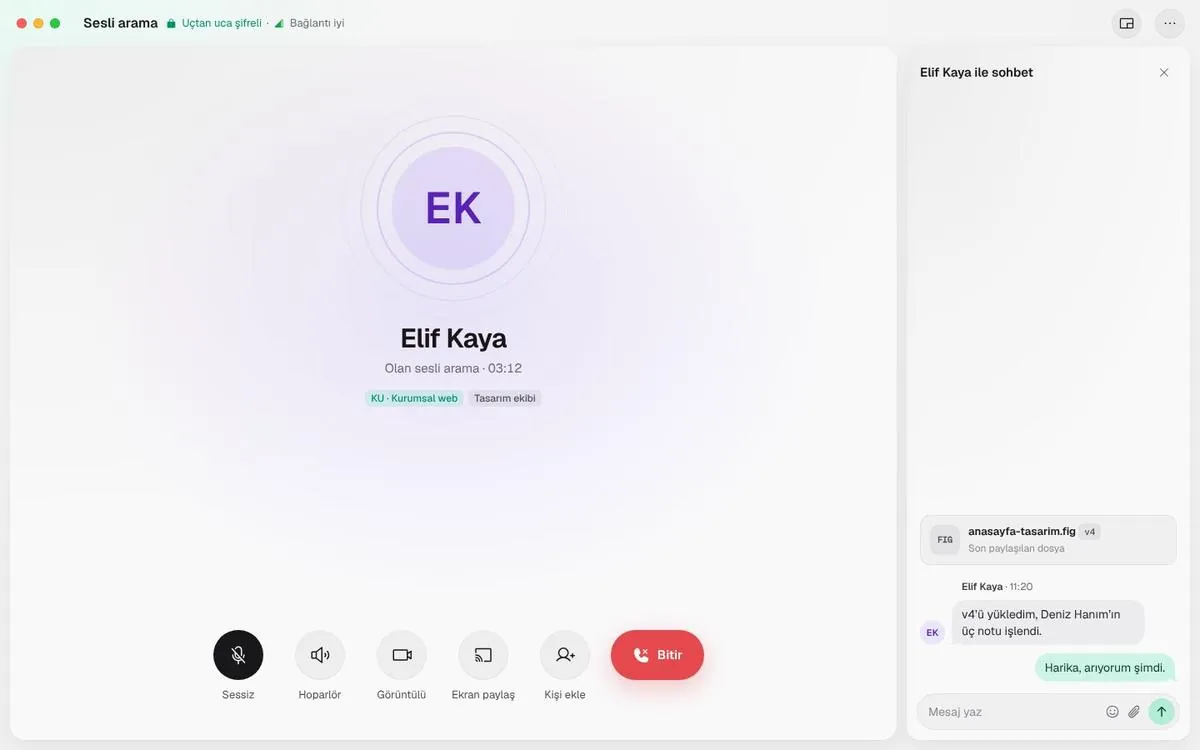
Voice calls
Skip the meeting for a quick question
Start a voice call from a chat; switch to video or screen sharing when needed.
- The last shared file next to the call
- Desktop, iOS and Android